Industries · Construction
Construction company website design
Explain your services, show relevant completed work and collect enquiries the team can act on. Optional automation supports administration around the estimating process.
What goes wrong
Prospective customers cannot tell which parts of their project the company takes on.
Photographs are published without an explanation of the contractor’s actual work.
Location, service and project stage are lost across forms and subsequent conversations.
A typical system
A typical system for a construction company
See how your website, enquiries and customer records can work together. Open a step to explore the service behind it.
- 01Enquiry organisation
Route requests and prepare tasks or administrative drafts with agreed human review.
solution page → - 02Contractor website
Clear services, genuine project evidence and accessible contact actions.
solution page → - 03Working records
Relevant project fields and supported connections to the tools the team already uses.
solution page → - 04Company identity
A consistent brand across the website and approved physical materials.
solution page →
Who exactly
Who we work with in construction
Services and development information explained with approved project material.
Scope, coverage and relevant jobs that help homeowners assess fit.
Completed interiors supported by a clear description of the work delivered.
Capabilities and evidence suited to professional procurement decisions.
Explain what kind of work your company takes on
A construction website should make the company’s scope clear before asking for an enquiry. Building a new home, renovating an apartment and delivering a specialist subcontract are different buying decisions. We organise the site around the work you want to receive, the areas you genuinely serve and the evidence a customer needs to assess whether you fit the project.
A homeowner choosing a contractor
A homeowner needs plain descriptions of services, examples at a comparable scale and an explanation of what happens after contact. Technical methods should be explained through their practical implications, without promising a universal saving or completion date. The visitor should be able to recognise whether the company handles their type of property and the stage they are currently at.
A professional selecting a supplier
A professional buyer may need capabilities, relevant experience, project responsibilities and a route to discuss documents. Separate the company’s own role from the work of a broader project team. A photograph of a completed building should not imply that every element was delivered by the contractor. Clear scope helps procurement teams forward the site to colleagues without adding an explanation.
Build useful service pages instead of a long gallery
- Service boundaries
- Each major service should explain the work included, the information needed to assess it and what is agreed separately. A refurbishment page might distinguish design coordination, structural work, finishes and external trades. The business approves these boundaries. A visitor should not have to discover during the estimate that a prominently pictured service is outside the company’s actual offer.
- Project evidence
- Case studies should describe the assignment, constraints, decisions and delivered scope using approved facts. Include before, during and completed images where rights permit, with captions that explain what changed. Name the relevant work and project type. Results such as cost savings or delivery speed need records; we do not invent performance numbers to make a project sound stronger.
- Geographic fit
- List real service areas and explain when distance or site conditions affect the enquiry. Avoid creating the impression of an office in every city. A regional contractor can serve several locations honestly through a clear coverage description and relevant projects. The useful local content concerns access, project type and operating arrangements supplied by the business, rather than generic praise of the city.
Collect enough information for the next conversation
Ask the essential questions
Start with the service, project location, approximate scale and preferred timing, plus a reliable contact method. Give visitors a way to say that a detail is not known yet. Someone planning a first renovation may not have a specification or exact floor area. The form should help begin a suitable conversation rather than punish the customer for not being an estimator.
Handle documents deliberately
Drawings and photographs can be useful, but file handling needs a defined destination, access policy and size limit. An alternative document-sharing step may be better for large or confidential packages. Explain what the team needs first and what can wait until the site visit. Avoid asking for sensitive documents simply because a form component supports uploads.
Route the enquiry
Send the enquiry with its service and page context to the agreed recipient or CRM. Define who reviews it and how an unanswered request becomes visible. Receipt confirmation should describe the next step truthfully. A website cannot promise a quote within minutes when an estimator must inspect the site, check subcontractors or clarify the scope before a price is possible.
Use automation for administration that has clear rules
Useful automation begins with a repeated administrative task whose input and expected result are known. The project can be small: organise incoming requests, create follow-up tasks or prepare a draft from approved information. We inspect the tools already used by the company and check integration access before proposing a replacement system.
Routine coordination
A rule can route a request by service area, attach its documents and prepare a task for a colleague. Where scheduling is reliable, it can support arranging a site visit. Draft replies can ask for missing practical information. Exceptions must remain visible, and the staff member should be able to correct the record without breaking the entire workflow.
Professional judgement
Estimating, structural decisions, project suitability and contract commitments stay with qualified and authorised people. AI-generated text should not turn incomplete drawings into an apparently final quotation. The website can explain the company’s process and collect information efficiently while making those boundaries clear. This is especially important when an enthusiastic sales message would otherwise promise more than the delivery team has confirmed.
Prepare a realistic design and content package
Bring a service list, representative projects, approved photographs, team contacts and existing brand material. Identify which project details can be published and which need permission. If photography is limited, plan the design around the available material rather than filling the page with anonymous construction images that imply work the company has not performed.
The visual system should survive ordinary updates: another completed job, a new service and a seasonal staffing change. The editor needs useful fields and sensible image proportions. A design that depends on manually rebuilding every project page is difficult to sustain. Test it with a small project and a complex project before treating the layout as complete.
Build around evidence the company can maintain
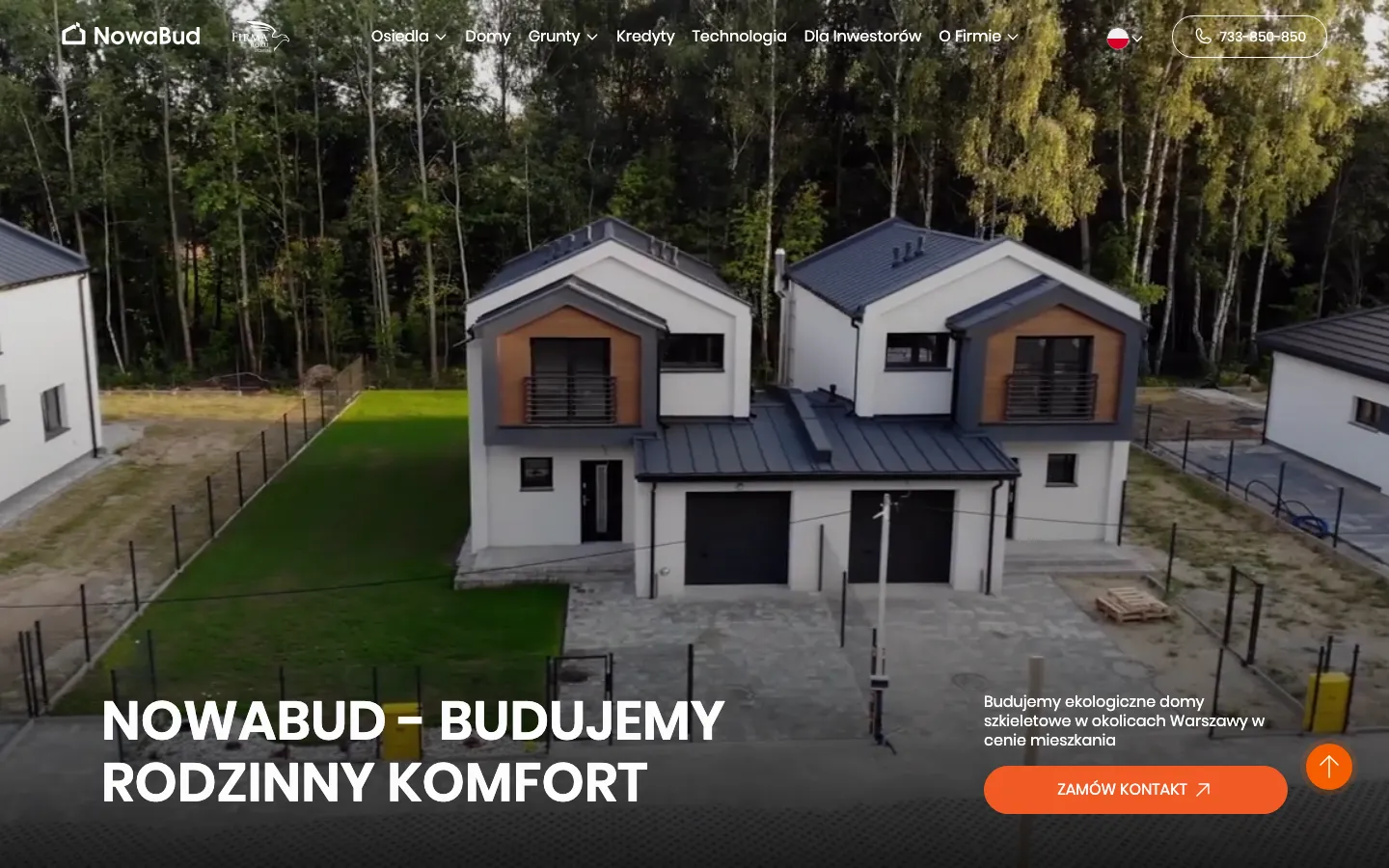
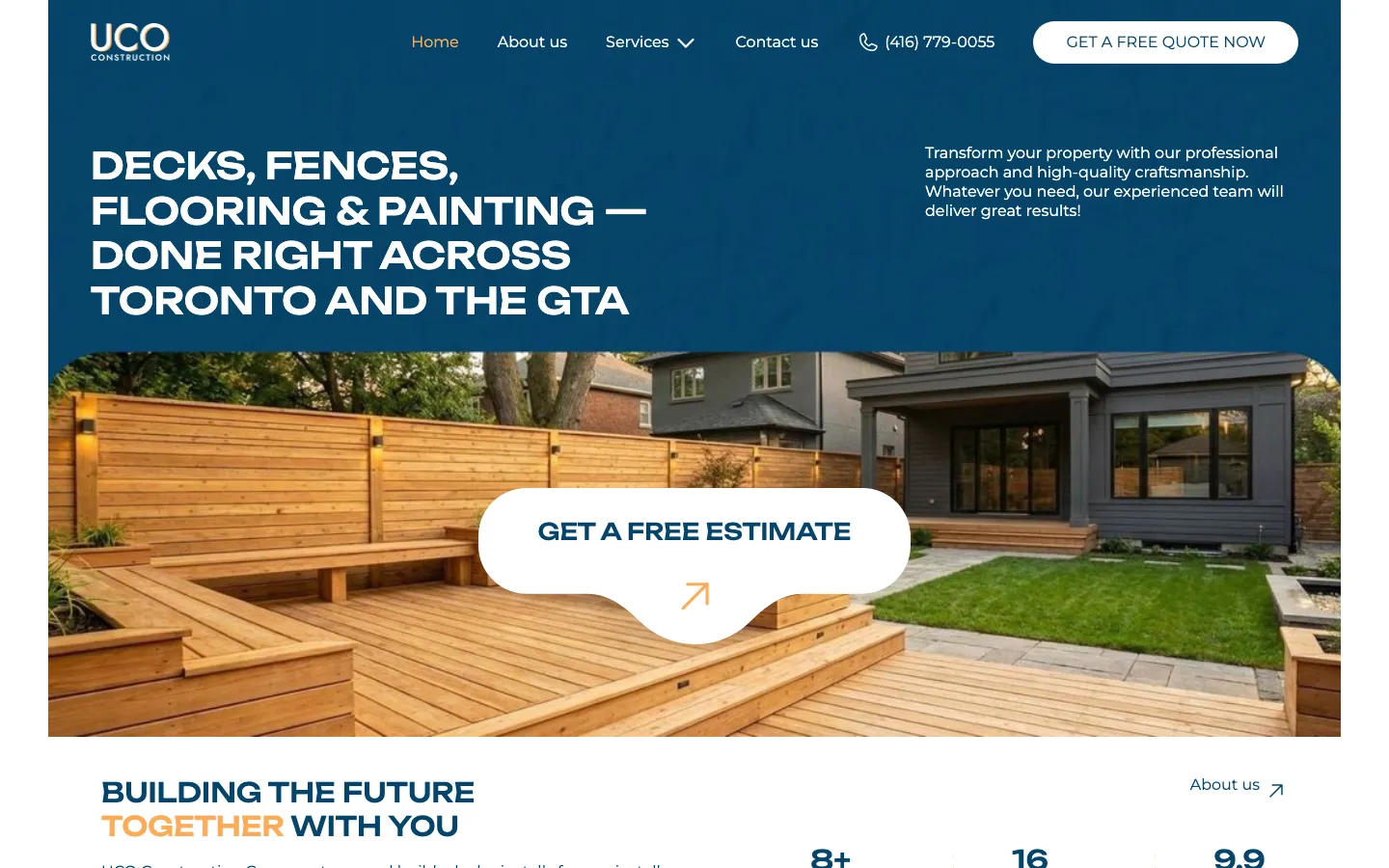
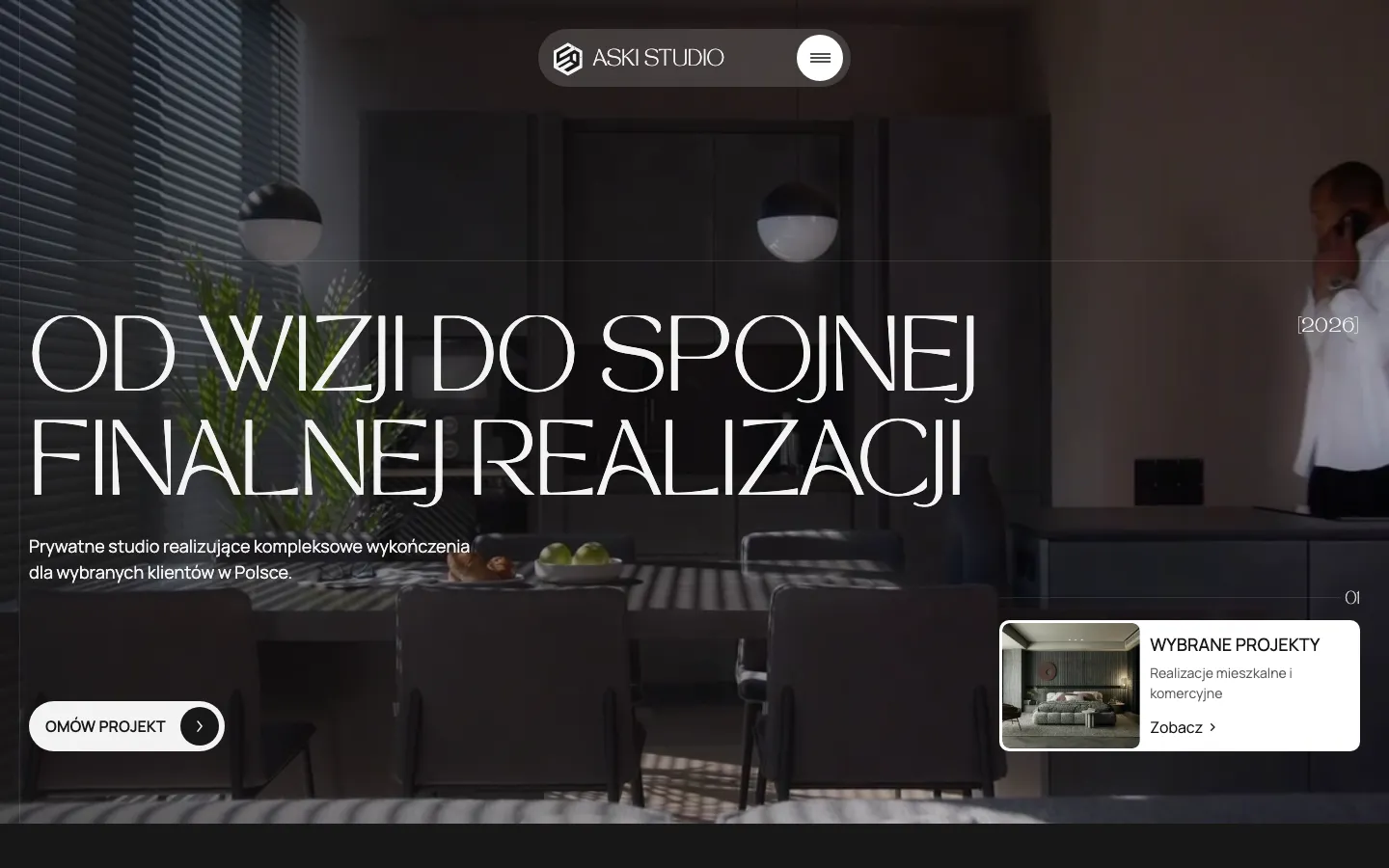
Choose languages according to the customers the company can actually serve. Translate the service meaning and next steps, not only navigation labels. Nowa Bud, UCO Group and ASKI Studio offer distinct examples in our published portfolio. Their project pages establish their individual scope; they are not evidence that every automation or construction service mentioned on this industry page was delivered for them.
Accept the site as a working enquiry route
Buyer review
Ask someone unfamiliar with the business to identify its main services, coverage and a relevant completed project. They should be able to request contact from a phone without guessing at required fields. Check image captions, phone links and downloadable documents. Important facts must remain readable when text is enlarged and should not depend on an animation finishing.
Team rehearsal
Run test enquiries for different services and incomplete project information. Have the receiving team find the context, assign responsibility and prepare the next action. Test a duplicate submission and failed delivery. Where an integration is included, compare its record with the original enquiry. A contact form that displays success while the request is lost is a launch blocker.
Handover and evaluation
Agree account ownership, editing access, update responsibility and the first review of enquiry quality. Suitable projects, completed conversations and reasons for declining work tell more than raw traffic. Send HeadPills your existing site, service areas and several representative jobs. We can then specify the website, content preparation and optional administrative integrations without adding systems your team does not need.
“They built the site for our construction company. Straight to the point: they helped and advised wherever it was needed. Thanks for the work, I recommend them.”
OriginalРобили нам сайт для будівельної компанії. Усе по ділу — допомогли, підказали, де треба. Дякую за роботу, рекомендую.
Specifics
What is different in construction
Describe the areas served without inventing local offices.
The site collects information; qualified staff assess and price the work.
Photographs and claims need permission, context and a maintainable publishing process.
Price
A typical system for a construction company starts from €500 per process; a site from €1 000.
Fixed in writing after a short call. Project scope and running costs are agreed before work begins.
Questions
Questions about construction projects
Will the site produce an instant quotation?
Only a separately specified, appropriate calculator could do that. The standard enquiry route supports assessment by your estimator.
Can administrative tasks be automated?
Yes where rules and supported integrations are clear, with exceptions visible to the team.
What materials should we prepare?
Services, coverage, representative projects, approved photographs and the person responsible for handling enquiries.
Tell us how a customer reaches a construction company today.
A short call, then a fixed price in writing.