Websites · Webflow
A custom Webflow site your team can edit.
Design from scratch, an editor your team uses the day after launch, collections for projects, houses or products, and sites in two, three or four languages. Hosting and updates to the hosted platform handled by Webflow, the project in your workspace. From €1 000.
Who this is for
Teams that add a project, a house or a vacancy every week
News, projects, vacancies, events: your team adds them in the editor, the site places them.
Polish and English, or four languages for a house builder: separate pages per language, one editor.
Not a template: design from scratch, with content editing configured around the tasks your team performs.
Webflow manages the hosted platform. Your team still needs clear ownership of content, accounts, connected services and publishing checks.
What you get
Your design from scratch, with reusable components, structured content and editing roles checked against the selected plan.
Projects, houses, products, people: add an item in the editor and its page and card appear where they should.
Separate pages per language with correct tags; the project in your workspace, hosting on your account, a walkthrough for your team.
Proof
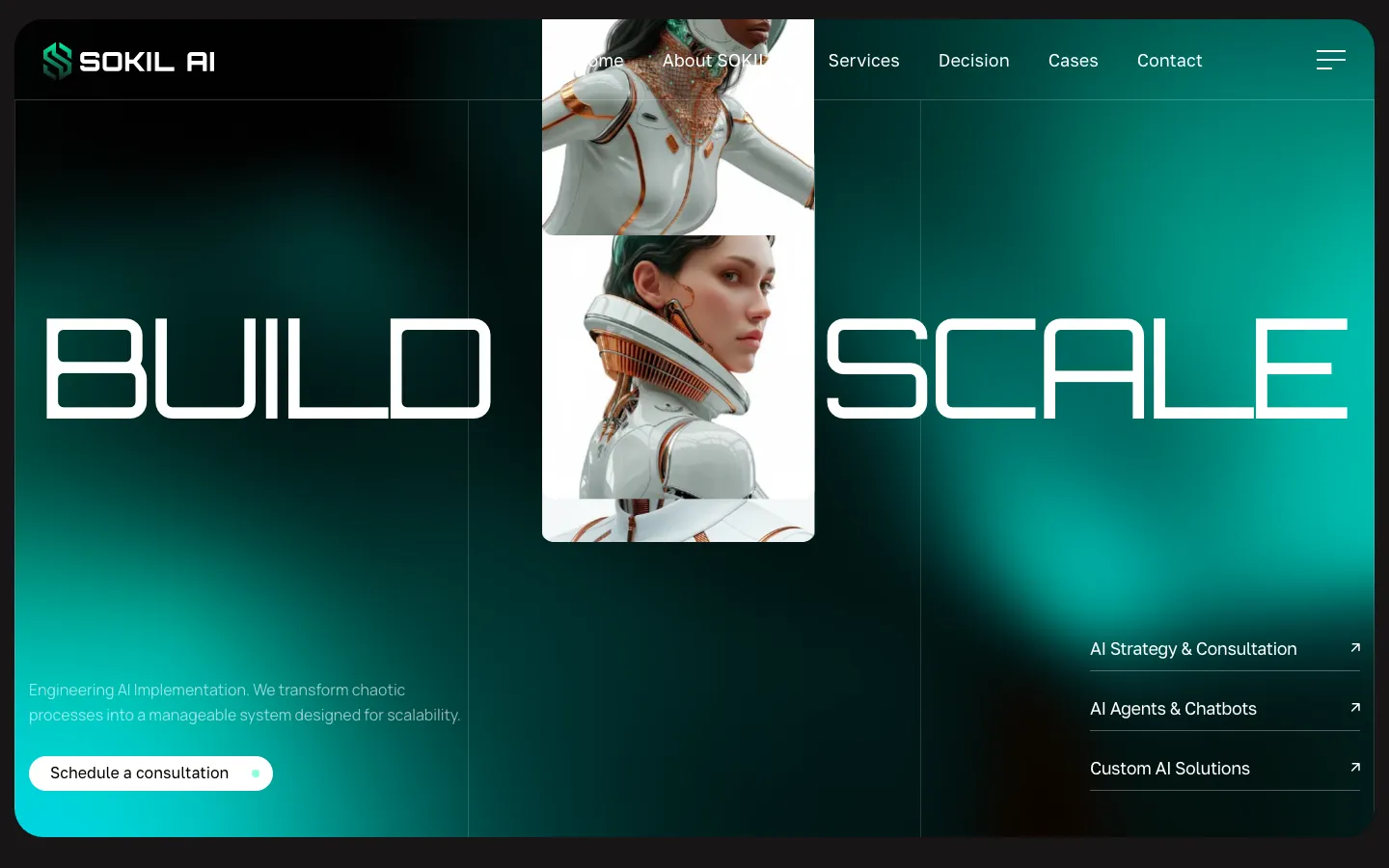
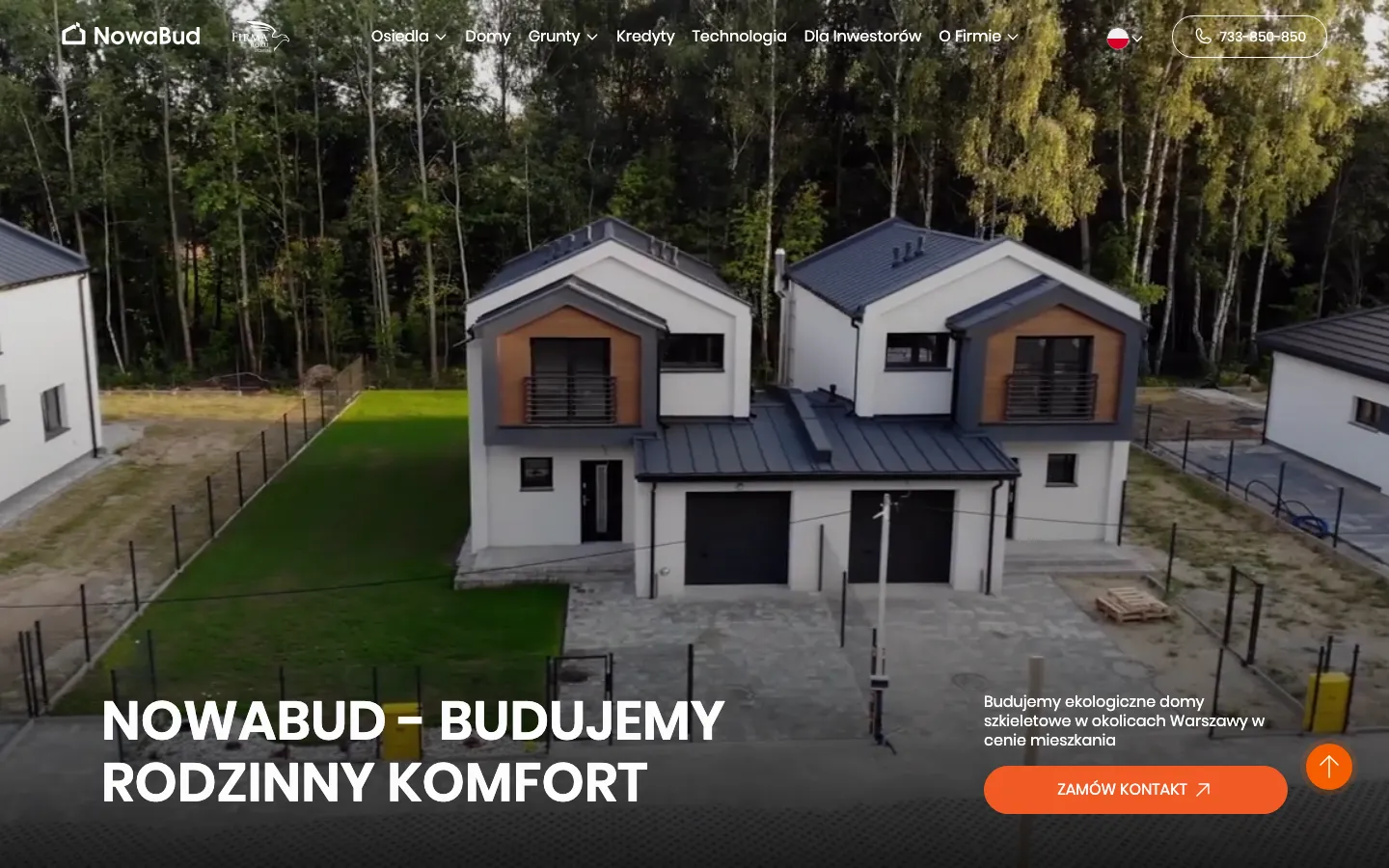
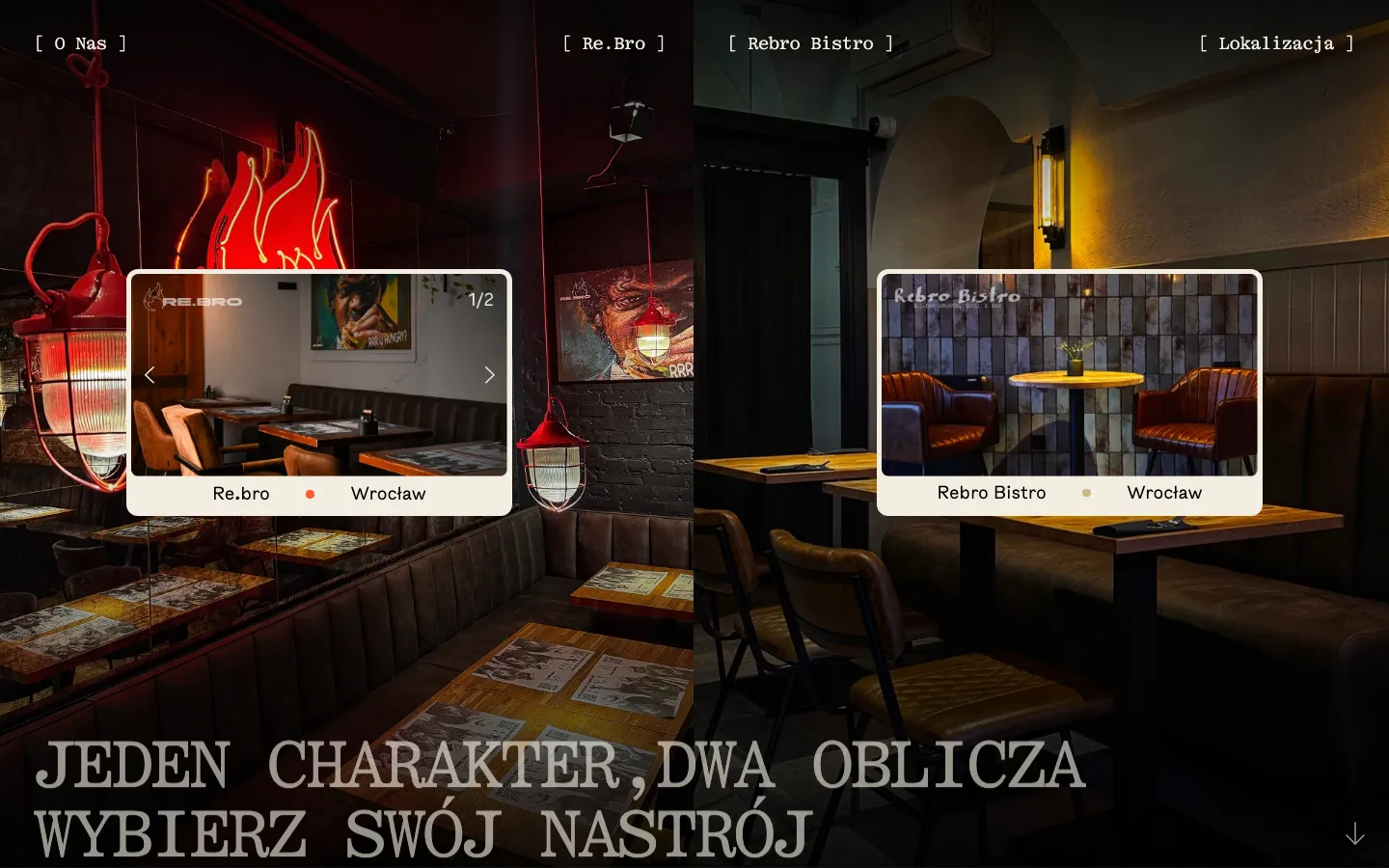
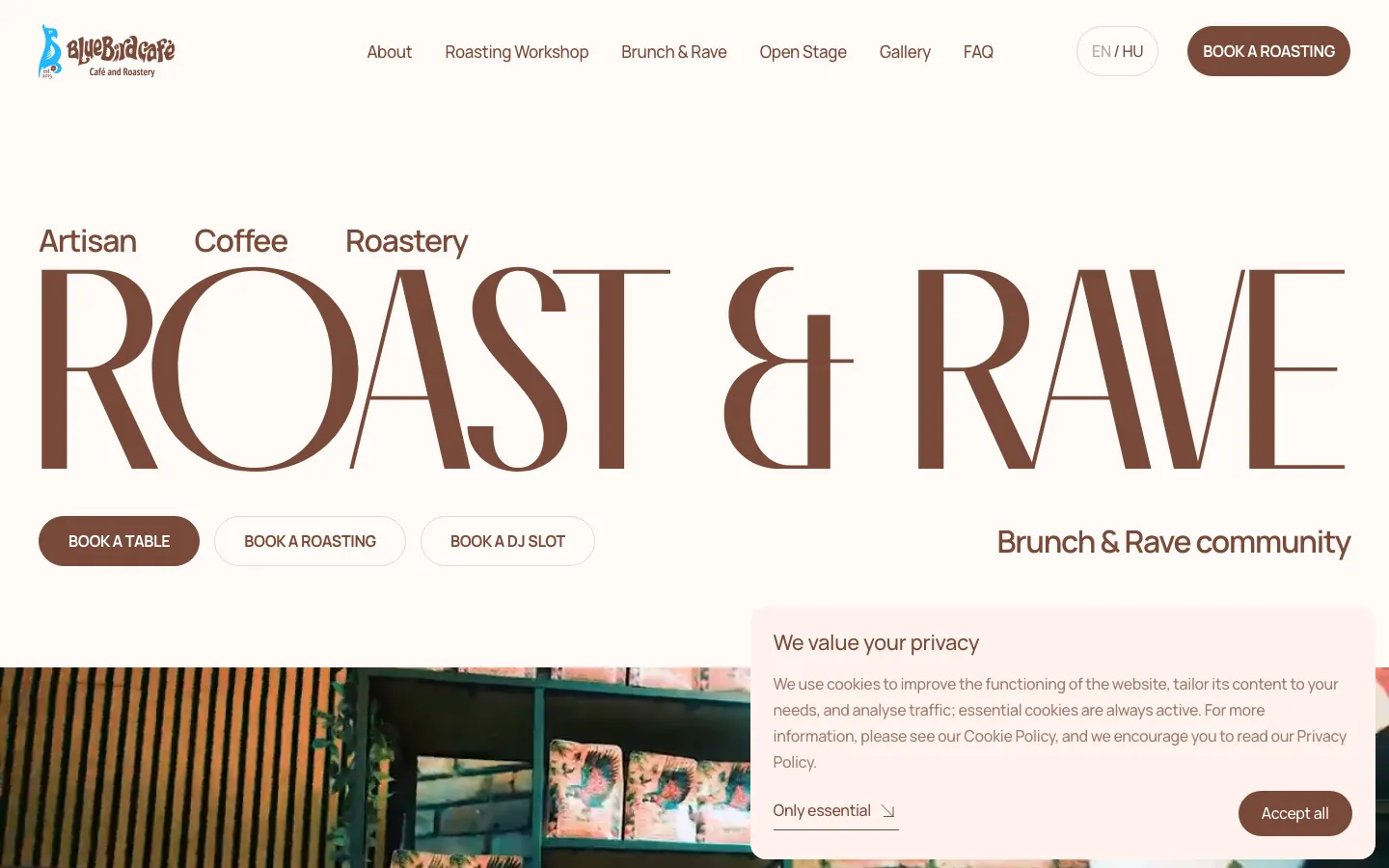
26 Webflow sites published with the client’s name
Selected published Webflow projects. Open a case to see the specific brief and delivered work.

Price
From €1 000. From a month.
Webflow’s hosting plan is billed by Webflow to you; we quote it before you decide.
Design the publishing workflow before the pages
A Webflow project becomes easier to run when the content model follows the work your team already does. Before drawing pages, list what changes regularly, who supplies it and what a finished item contains. A property developer may need availability, floor plans and handover dates. A consultancy may need case studies with a challenge, scope and photographs. These are different publishing jobs, even when both websites have a section called Projects.
A useful collection
Take a project collection as an example. A title and image are rarely enough. The editor may also need a sector, a location, a short card description and several blocks of detailed content. We decide which fields are required and what happens when an optional field is empty. That makes adding the tenth project as predictable as adding the first, without forcing every story into an unsuitable layout.
A useful editing boundary
Content roles and access should match the people using the site. Someone responsible for news does not necessarily need permission to redesign a page or change a payment account. We confirm the available controls against the chosen plan and walk through the actual editing tasks with your team. The aim is a usable publishing process with clear responsibilities, rather than a dashboard full of unfamiliar options.
Where Webflow fits, and where we compare alternatives
Webflow is worth considering when a business needs a distinctive marketing website and an internal team will maintain its content. The decision should come from the expected workflow, integration requirements and running costs. A visually impressive demonstration is useful, but it cannot show whether your staff can publish next month’s material without outside help.
Choose it for publishing
It can be a practical fit for service pages, portfolios, recruitment pages and structured project libraries. Design components establish the common spacing, navigation and visual rules, while collections handle repeated content. Your content plan should explain how new entries connect to category pages and related work. Otherwise a well-designed CMS can still produce isolated pages that visitors cannot find.
Check complex requirements first
Complex account areas, unusual product configuration, extensive transactional logic or a tightly connected inventory system deserve a separate technical comparison. We test the hardest requirement early and compare Webflow with WordPress, Shopify or a custom application when appropriate. An integration being technically possible does not automatically make it convenient to maintain or reasonable to pay for.
Build one representative page before multiplying it
Prove the structure
We start with a page that exposes the important design decisions: a homepage, a service detail or a project template. It should show a realistic headline, actual imagery and a meaningful action. This makes the first approval about your business and its offer. Attractive placeholder content can hide problems that only appear when a long product name or a complicated explanation arrives.
Test real content
We then test the template with difficult examples: a missing image, a long title, several languages and an unusually detailed project. The mobile version needs the same reasoning as the desktop version. Tables, images and navigation should stay understandable without sideways scrolling or tiny type. Motion should explain a relationship or support orientation, while the page remains usable when animation is reduced.
Extend the system
Only after that do we apply the system to the rest of the scope. Reusable components reduce repeated work, but individual pages still need their own hierarchy and useful content. A pricing page and a case study should not feel like identical containers with different headings. The design system keeps them related while allowing the information to dictate the layout.
Plan languages as separate customer journeys
- Content
- A second language needs more than translated headings. Offers, examples, product terminology and contact options should make sense to the reader. We mark content that can be translated directly and content that needs an editorial decision. Prices and availability also need a clear owner so that an update does not leave one language advertising an outdated offer.
- Navigation
- Webflow supports localized page settings, including URL slugs and search metadata, with features depending on the localization plan. We agree the address structure before publication and check language links on detail pages as well as the homepage. A visitor changing language should reach the relevant version of the page they were reading where that version exists.
- Publishing
- The publishing checklist should cover translated images, buttons, form feedback and shared navigation. A page can look translated while still sending an English confirmation to a Polish enquiry. We also record who approves each language and how future entries will be translated. This turns multilingual publishing into a repeatable task instead of an unfinished launch project.
Understand the subscription and the exit route
Our custom website work with an editor starts at €1,000. The written scope identifies the templates, collections, languages, migration and integrations included in your project. Webflow subscriptions, paid assets and external services are separate. We review the applicable plans before commitment because the cheapest initial option may not support the content or editing permissions you require.
Ownership should be practical: you should know which account holds the project, who controls the domain and where billing notices arrive. We document connected forms and services so a future change of supplier does not begin with a search for credentials. Ongoing support is a separate decision, with an agreed boundary between content changes, technical changes and third-party charges.
An export is not a complete replacement for the platform
Webflow code export requires an eligible paid Workspace plan. Exported HTML, styles and assets do not reproduce the hosted CMS, ecommerce databases, localized content or working Webflow forms. If moving away is an important requirement, we discuss that before choosing the platform and plan how content and functionality would be rebuilt.
Accept the website by doing real work in it
Publish an item
Ask the person who will maintain the website to create a new collection item, preview it, publish it and correct a mistake. Check where the item appears and whether its image, title and address remain sensible. This exercise often reveals more than a final presentation: it tests the part of the website your company will use repeatedly.
Receive an enquiry
Submit the main form from a phone and confirm that the intended inbox or CRM receives the fields and source information. Check invalid input, success messages and alternative contact methods. Visit important old addresses after a migration. Analytics events should represent completed actions where possible, so a button click is not mistaken for a delivered enquiry.
Use the handover
Before handover, collect the editing guide, account ownership details, renewal responsibilities and list of custom integrations. Send us your current URL, a few representative content items, desired languages and the names of systems that must connect. Those materials let us propose a CMS structure and scope that fit the way your business publishes.
Questions
Questions people ask about Webflow
How much does a Webflow website cost?
A custom website on Webflow follows the same ladder as any custom website: from €1 000 for several pages with an editor for your team, more for collections, languages and integrations named in the quote. Webflow’s own hosting plan is billed by Webflow to you; we quote the expected plan before you decide.
Webflow vs WordPress: which one should we choose?
We compare the publishing workflow, integrations, hosting responsibility and ongoing costs. Webflow can suit a marketing site with structured content; WordPress can suit projects needing a different level of code and hosting control. Page count alone does not decide. We test the difficult requirements before recommending a platform.
Can our team really edit a Webflow site without a developer?
Yes, that is the reason to choose it. Texts, images, news, projects and vacancies are edited in the Webflow editor; collections let you add a case or a product without touching the layout. We hand over the editor before launch and walk your team through it. Editing permissions and content fields are configured for the tasks your team needs; the available controls depend on the plan and role.
What are CMS collections and localisation in Webflow?
A collection is a list of things with the same fields: projects, houses, products, team members. Add an item, and its page and its card appear everywhere they should. Webflow Localization supports language versions and localized settings, subject to the selected plan. We check the actual publishing, URL and translation requirements; multilingual portfolio examples do not imply that every project uses the same localization implementation.
Who owns the Webflow site after launch?
You do. The Webflow project is in your workspace, the hosting plan is on your account, the domain is yours. We work as a collaborator and are removed at handover unless you keep us on. Code export depends on the Workspace plan and does not recreate the hosted CMS, localization or working forms; a platform move needs a separate migration plan.
How long does a Webflow site take?
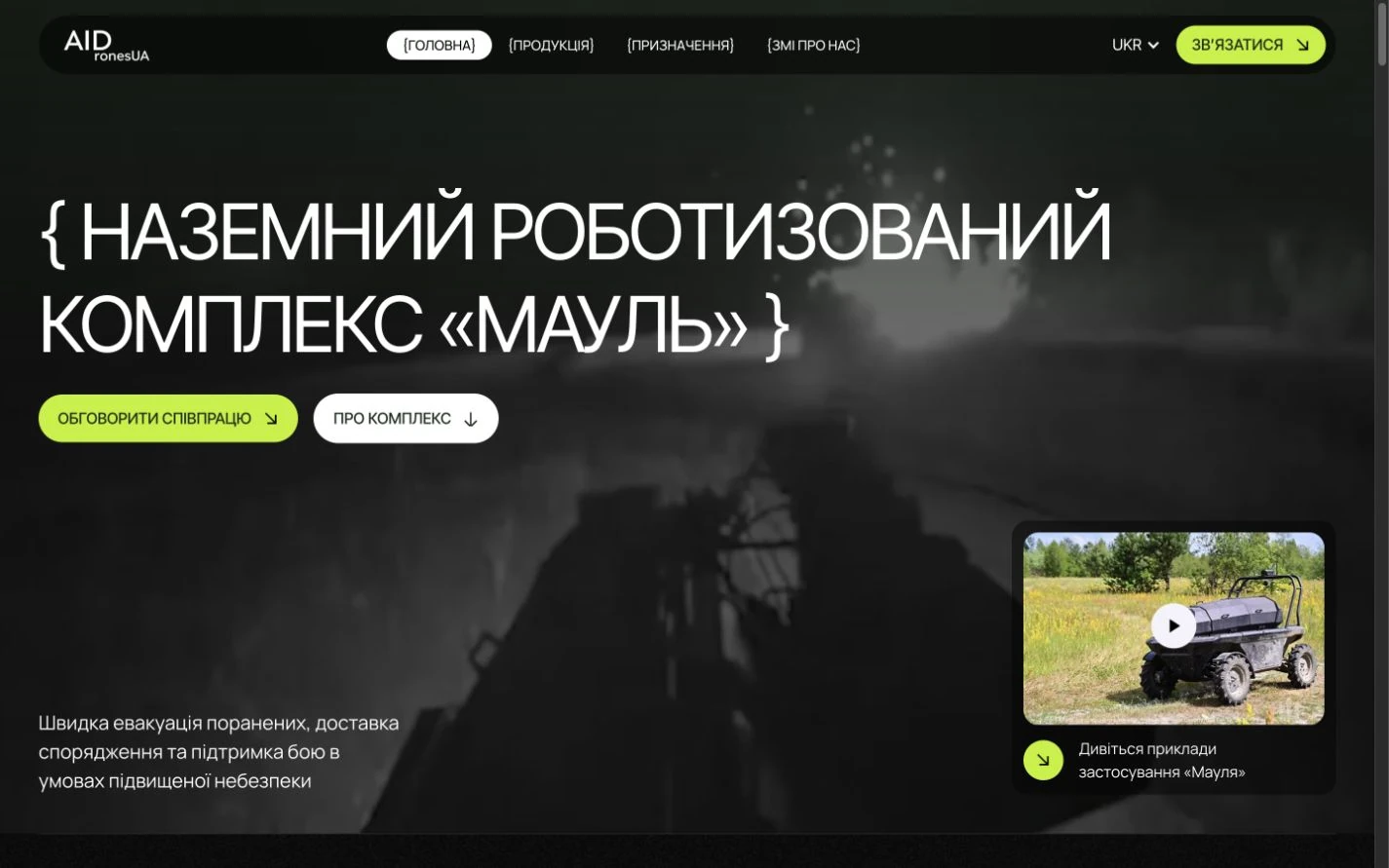
From one month for a custom site with an editor; the date is fixed in your quote. A trilingual site for AIDrones UA took 72 hours because negotiations were in three days; that is the exception, not the timeline.
Get a fixed quote
Three fields, one reply with a price
Show us what your team edits today.
We say what becomes a collection, what stays a page, and what it costs.