Industries · Real estate
Real estate website design with a reliable property catalogue
Present properties clearly and connect enquiries to the right listing. We scope catalogue updates and CRM integration around the sales system your team actually uses.
What goes wrong
The public listing and the sales record show different prices or statuses.
An enquiry arrives without the property reference, so the agent must reconstruct the request.
Different field names, units and incomplete plans make it difficult to compare suitable options.
A typical system
A typical system for an estate agency
See how your website, enquiries and customer records can work together. Open a step to explore the service behind it.
- 01CRM and catalogue connection
Map the source fields and verify the supported export or API before defining synchronisation.
solution page → - 02Property website
Readable listing pages, useful filters and plans that remain usable on a phone.
solution page → - 03Enquiry workflow
Preserve the listing context, route requests and prepare follow-up tasks for the sales team.
solution page → - 04Development identity
Visual identity and presentation for a development, coordinated with approved project material.
solution page →
Who exactly
Who we work with in real estate
A catalogue with repeatable property records and an identifiable enquiry owner.
Project context, plans and individual units connected to the sales office.
A consistent model that makes offers from different projects comparable.
Clear availability information and practical viewing enquiries matched to the team’s process.
Choose the structure around what you sell
A property website should let a buyer understand the offer before speaking to an agent. That requires accurate information, readable plans and a contact route tied to a particular property. We first distinguish an agency catalogue from a development launch: they share some fields, but their browsing, editorial and maintenance needs are different.
Estate agency catalogue
An agency catalogue needs a consistent model for property type, location, area, price and availability. Filters should use information the team can maintain reliably. A buyer must be able to open a listing directly, share it and return to a meaningful result list. A large number of filters is not useful when half the listings have empty fields.
Development website
A development website introduces the project, its location, phases and individual units. Plans need legible dimensions and a clear relationship to the building and floor. Renderings should be identified as such, and construction photographs dated. Availability and commercial details belong close to the unit, while information about the developer helps the buyer understand who will answer the enquiry.
Agree where the listing data comes from
Inspect the source
Show us the CRM or spreadsheet used by the sales team, together with several representative records. Include a sold property, a reserved unit and a listing with incomplete material. We check the supplier’s export or API options before promising synchronisation. A feed intended for a property portal is not automatically a supported feed for every website.
Map the fields
Map the source fields to the public page: title, identifiers, currency, area units, description, photos, floor plans and status. Decide which values can be edited on the website and which must come from the source system. Otherwise an agent can fix a description in one place only to have an import overwrite it the next morning.
Define change handling
Define how frequently changes are fetched, how errors are reported and what happens when the source is unavailable. Avoid making every listing disappear because a single import returned no data. A listing removed from sale also needs a deliberate page state. Depending on its continuing usefulness, it may remain with an unavailable notice or follow an agreed removal and redirect plan.
Give each property enough information to qualify interest
- Facts and plans
- A good listing allows comparison without a telephone interview. Show the approved price presentation, size, rooms, floor and relevant features with consistent labels. Distinguish internal area from other measurements where the seller provides them. Downloadable plans can complement readable on-page facts, but should not be the only way to discover basic information on a phone.
- Location and context
- Describe the location using information the business can verify. Do not invent travel times, neighbourhood qualities or future infrastructure. Maps should make sense without precise personal location permission. For a development, separate existing amenities from planned elements and link the claims to approved project material. This is useful to buyers and makes updates much easier for the sales team.
- Contact continuity
- A viewing request should carry the property identifier and the page from which it was submitted. The visitor should see the selected property in the form or confirmation. If they ask about several units, preserve that context instead of producing unrelated messages. A named team or clear office contact is more useful than a generic promise that someone will reply immediately.
Connect enquiries without automating commercial promises
The purpose of integration is to make the next human action clear. We can scope routing by branch, development or property owner, create CRM records and retain the original enquiry source. The actual sequence depends on account permissions and the CRM’s supported interfaces. Existing records need a matching rule so a returning buyer does not become five disconnected leads.
Enquiry organisation
Useful automation can acknowledge receipt, attach the selected listing and prepare a task for the responsible agent. A draft may propose available viewing times only when the calendar is reliable and the business has approved the rule. Delivery failures should remain visible to the team. A draft sitting in an unnoticed queue is not a completed response.
Agent decisions
Negotiation, reservation conditions, legal documents and claims about investment returns stay with the authorised team. The site must distinguish requesting a viewing from reserving or buying a property. If a property changes status while a buyer is completing the form, the agency needs the original context and an honest way to offer alternatives, not a silently substituted listing.
Protect useful addresses and language versions
For a redesign, inventory current listing URLs, useful landing pages and downloadable plans before replacing anything. Keep addresses where practical; when they must change, map them to the closest relevant destination. Google’s migration guidance supports deliberate URL mapping and redirects. Sending every former listing to the home page loses the context the visitor was trying to recover.
Translate the interface and the offer together. A language switch should keep the visitor on the same property when that translation exists. If a description or document is unavailable in that language, make the situation clear. Automatic translation needs review for units, property terminology and commercial conditions. Separate language URLs also make individual pages easier to share with buyers.
Migrate the offer as well as the design
The handover should include the listing model, import schedule and ownership of translations. It should also explain what happens to a sold development, expired listing or new phase. These decisions are much less expensive to agree before the catalogue is populated than after agents discover they cannot publish the information buyers are requesting.
Test with the sales team before launch
Listing accuracy
Check sample properties against their source records, including a price change, replacement photo and availability update. Test filters with no matching results, share a property link and reopen it on a phone. Inspect plans at a readable size. A catalogue is ready when ordinary updates remain reliable, not only when the initial import looks complete.
Enquiry routing
Submit test enquiries for different branches and languages. Confirm that the responsible agent receives the property identity and can find the original message. Test duplicate submissions and a failed notification. If scheduling is included, move and cancel a test viewing. The staff member responsible for the next step should be able to operate the process without developer intervention.
Commercial usefulness
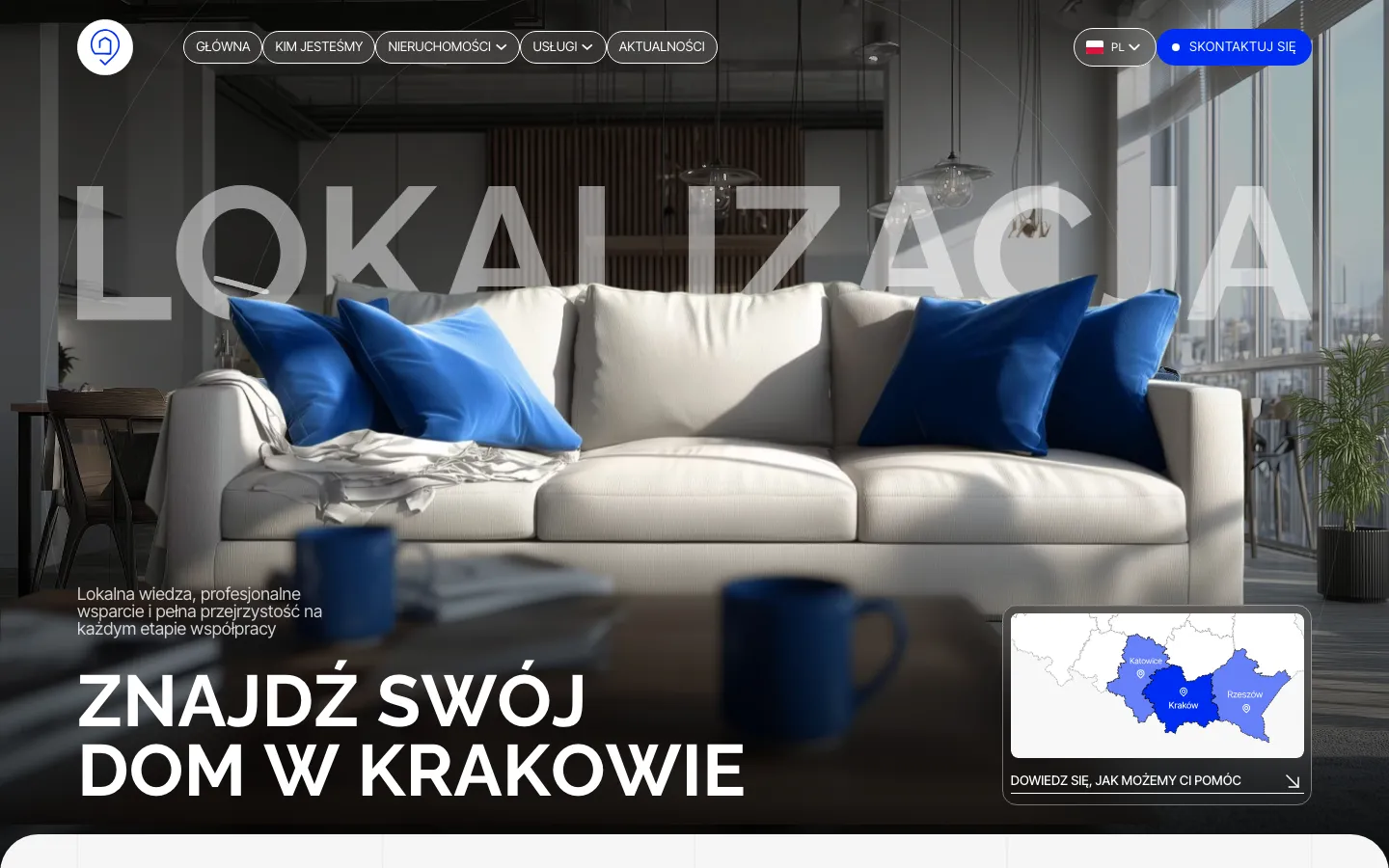
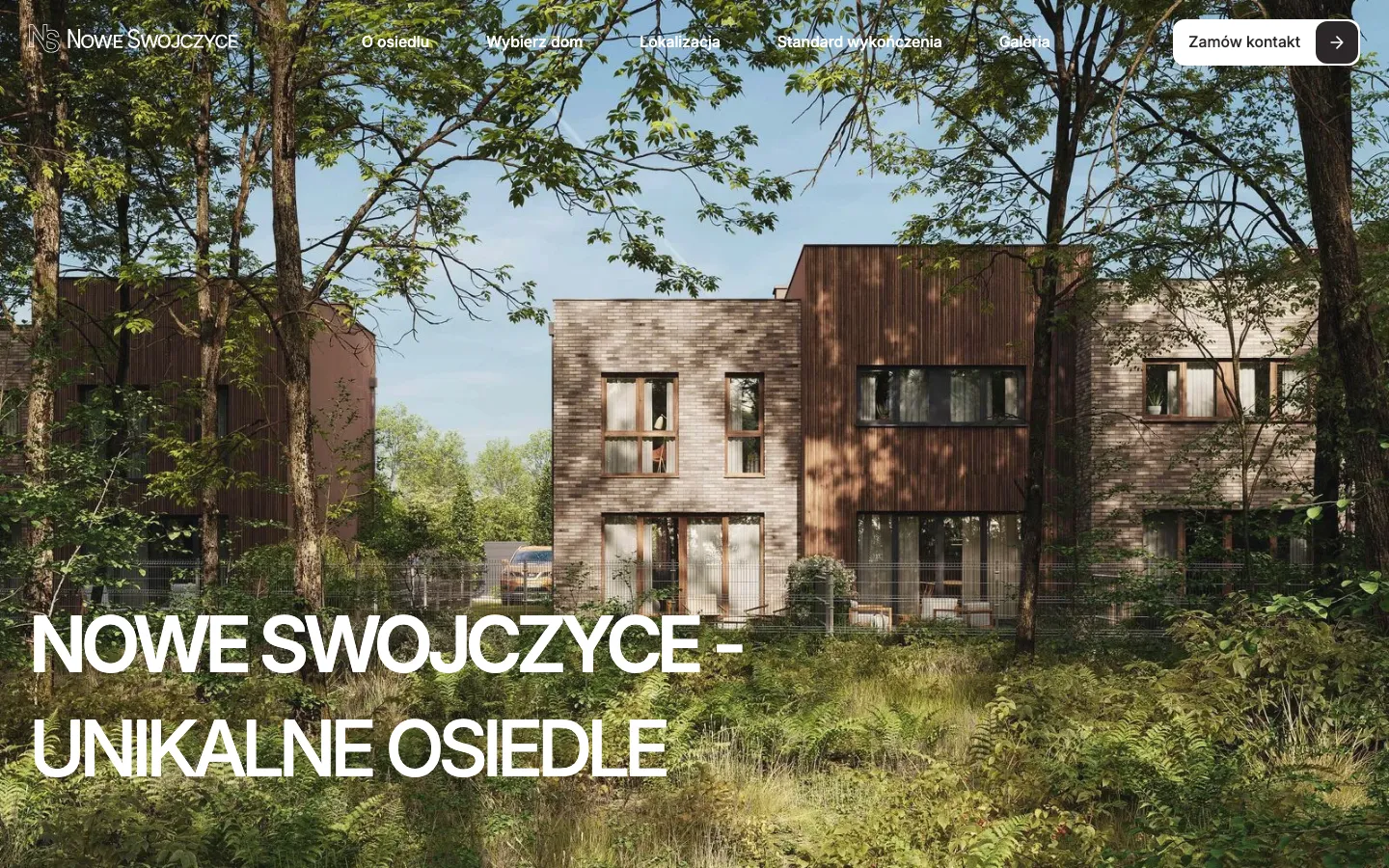
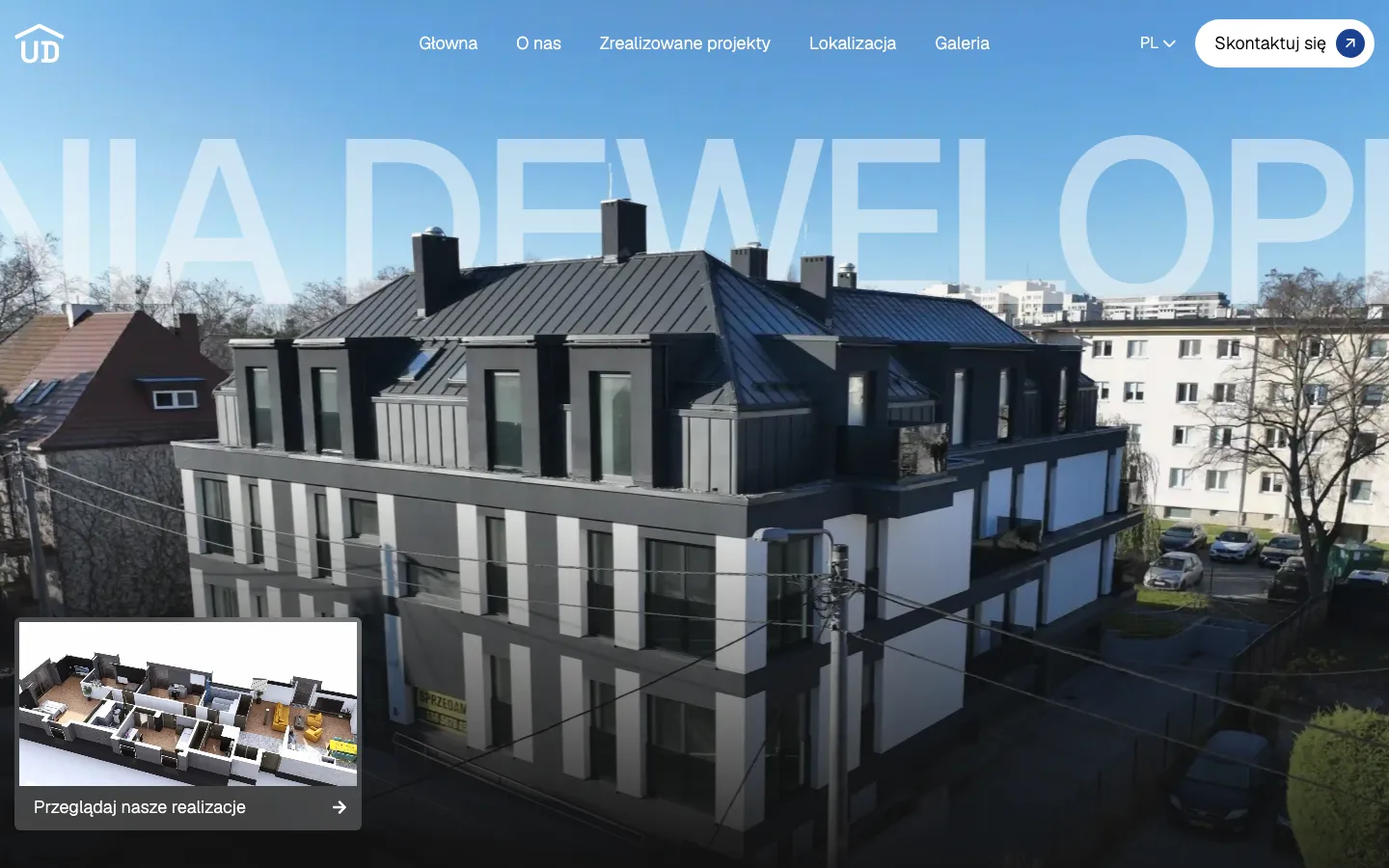
After release, review relevant enquiries, their sources and whether they progressed to conversations or viewings. Traffic alone does not establish sales value. Lokalizacja, Nowe Swojczyce and Unia Deweloperów provide published examples of our property work; their scope should be assessed individually. Send your current catalogue, CRM name and sales process so we can specify the site and integrations that your own team actually needs.
“They built our real-estate agency site with property filters and CRM-fed listings. Attentive, quick with edits, and they never disappear. All very professional, thank you.”
OriginalРобили нам сайт для агенції нерухомості, з фільтрами по об’єктах. Уважні, правки вносять швидко, не зникають. Все по-нормальному, дякуємо.
Specifics
What is different in real estate
Define which system owns each value and how failed updates are reported.
Translate the offer and contact path, maintaining the same property context.
Viewing requests, reservations and contractual decisions are presented as distinct actions.
Price
A typical system for an estate agency starts from €1 500; a site alone from €1 000.
Fixed in writing after a short call. Project scope and running costs are agreed before work begins.
Questions
Questions about real estate projects
Can you use the feed we send to property portals?
Possibly. Its format, access and permitted use must be checked before the integration is specified.
Will AI negotiate with buyers?
No. Routing or drafts may support the team, while negotiation and commercial commitments stay with authorised people.
What do you need for a proposal?
A sample of listings, the CRM name, required languages and the way agents currently receive and handle enquiries.
Tell us how a customer reaches an estate agency today.
A short call, then a fixed price in writing.