Industries · Hospitality
Restaurant and hospitality website design
Show your menu, venue and practical information, then guide guests to the correct booking or enquiry route. Commerce and reservation integrations are scoped to your operation.
What goes wrong
Guests have to download a large document to find basic dishes and prices.
The website and the venue disagree about whether a table or room is reserved.
Hours, menus and location details are updated inconsistently across public entry points.
A typical system
A typical system for a restaurant
See how your website, enquiries and customer records can work together. Open a step to explore the service behind it.
- 01Guest enquiry workflow
Route incoming questions and prepare approved administrative replies where integrations permit.
solution page → - 02Venue website
Readable menus, real photography, location details and an accessible reservation route.
solution page → - 03Online store
Products, gifts or takeaway with agreed payment, delivery and collection rules.
solution page → - 04Venue identity
A visual language that connects the site with the actual place and its brand materials.
solution page →
Who exactly
Who we work with in hospitality
A clear choice between menus, reservations and private-event enquiries.
Everyday visits and special occasions with appropriately different information.
A separate commercial route when packaged goods or gifts are sold online.
Room information and a booking route tied to the actual availability source.
Put the visit in focus before adding features
A hospitality website should help a guest decide whether this is the right place and how to arrange a visit. The useful first screen combines the character of the venue with practical information. We plan separate journeys for a table, an event enquiry, accommodation and products, because a button labelled “book” can mean very different things in each business.
A meal or an event
For a restaurant or café, guests need the current menu, location, opening hours and an understandable reservation route. Private events need capacity information, the kind of occasion the venue can host and a person who can confirm the details. Combining these journeys into one unexplained form makes the team ask the same introductory questions repeatedly.
A room or a product
For accommodation, the page should distinguish a room enquiry from live availability in the booking engine. For packaged food, coffee or gift products, buying involves a catalogue, payment and fulfilment rules. These functions can share the venue’s identity without pretending they are one workflow. We select the launch scope around the service the business can reliably fulfil.
Make the menu readable and maintainable
- Dishes and prices
- Publish menu content as readable text with clear categories and current prices. A downloadable version can remain useful for events or printing, but should not be the only option. Long lists need headings and manageable spacing on a phone. Ask the kitchen to approve dish names, ingredients and dietary information; the design team should not infer them from photographs.
- Seasonal changes
- Choose who updates sold-out items, lunch menus and seasonal offers. Where a menu is maintained in another system, inspect the export or integration before deciding whether to connect it. For a small menu, a straightforward editor may be more dependable than a complex synchronisation. The important test is whether the actual manager can publish a change correctly during a normal working day.
- Photography and language
- Use images that show what guests will recognise when they arrive: the room, terrace, signature food and entrance. Photography should support the menu rather than interrupt every selection with a full-screen effect. For translated menus, preserve names where useful and explain unfamiliar dishes naturally. Allergen-related wording requires the venue’s approval in every language; a translation tool cannot verify the kitchen’s preparation practices.
Separate a request from a confirmed booking
The reservation model starts with the system used by the venue. An existing booking provider may be embedded or linked, subject to its account and integration options. A new custom calendar needs capacity rules and someone to maintain them. A website redesign should not create a second, conflicting list of tables or rooms.
Staff-confirmed request
A request form can ask for the date, party size, contact details and relevant event information. Its confirmation says that the team has received the request and will respond. Published response expectations must match actual staffing. Large parties and private hire can use a separate route so an ordinary table request does not become a long event questionnaire.
Connected availability
Where availability is confirmed immediately, test occupied slots, booking changes and cancellation. Agree how the system handles late arrivals, deposits and special requests before writing interface messages. Those are the venue’s operating decisions. If the provider is unavailable, display a practical fallback such as a telephone number, without telling the guest that an unconfirmed reservation is secure.
Treat takeaway and retail as separate operations
Define the offer
Decide what can actually be ordered online: prepared meals, shelf-stable goods, gift cards or event packages. Each has different availability and handling needs. A gift box sent nationally cannot share every rule with a hot meal delivered nearby. Build the catalogue around real options, including collection times and any restrictions the operator must explain before payment.
Check fulfilment
Configure payment and delivery methods supported by the chosen commerce platform and provider accounts. Shopify, for example, documents shipping, local delivery and collection as distinct methods. The project still needs to test the business’s specific combinations. Check an address outside the delivery area, an unavailable item and a basket containing products with different handling requirements.
Connect the team
The order must reach the people preparing and handing it over. Define where the order status is changed, who handles a failed payment and how a customer is contacted if something is unavailable. Notifications can support this work, but cannot replace an agreed process. The site’s “ready for collection” message should reflect a staff action or a reliable system event.
Keep practical information consistent across entry points
Guests can arrive through a search result, a social profile, a map listing or a link sent by a friend. The same venue should have consistent address and opening information in those places. Holiday hours, a closed terrace or a temporary entrance change need an owner. Outdated practical information can undermine a polished visual identity on the day of the visit.
For multiple venues, give each a clear page with its own menu, directions and contact route. Avoid making a guest determine which city a booking widget serves. Structured business information can describe the published location and hours; it does not guarantee a special search appearance. The visible page must remain the primary source of the facts supplied to search engines.
A venue page has a local job
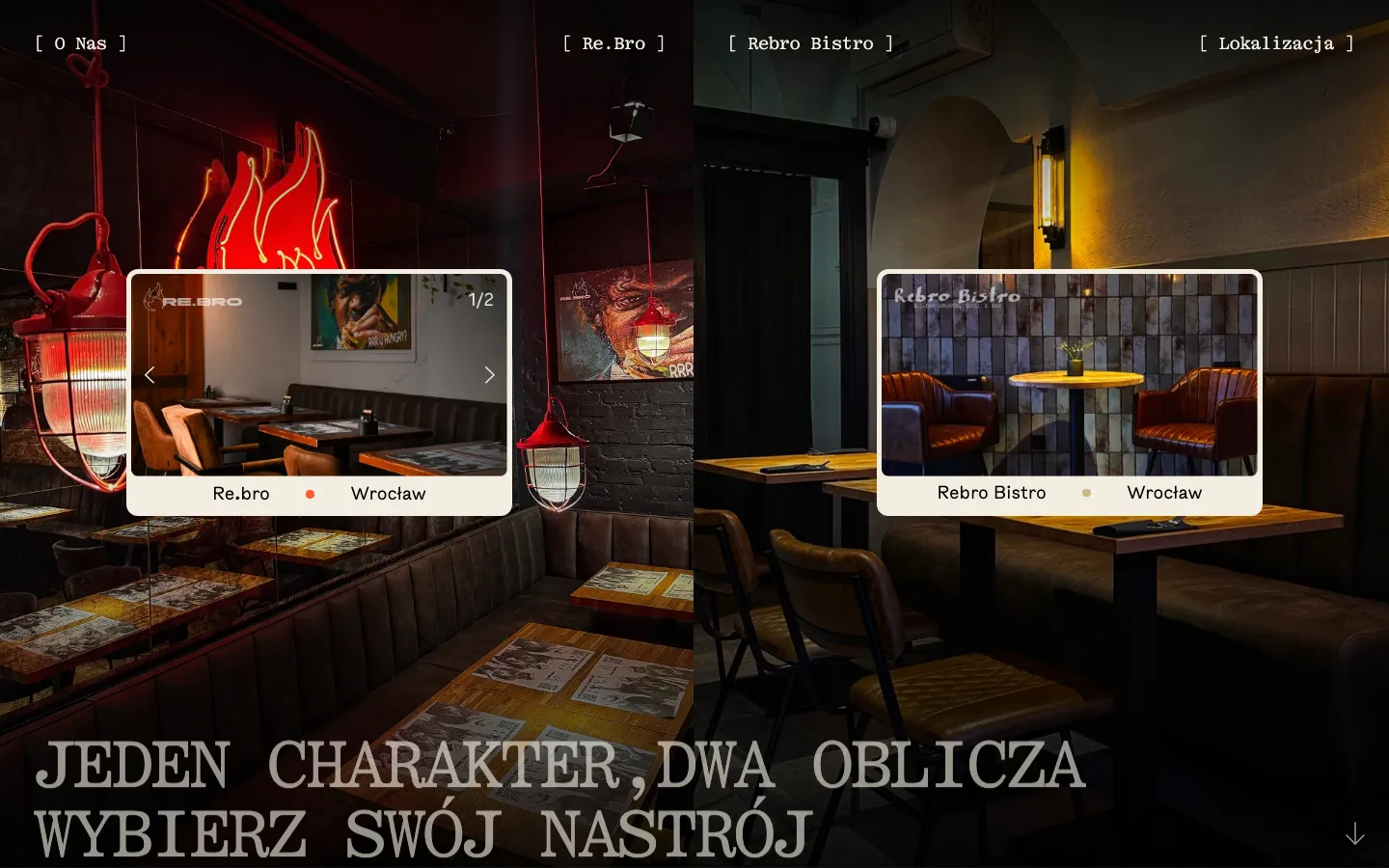
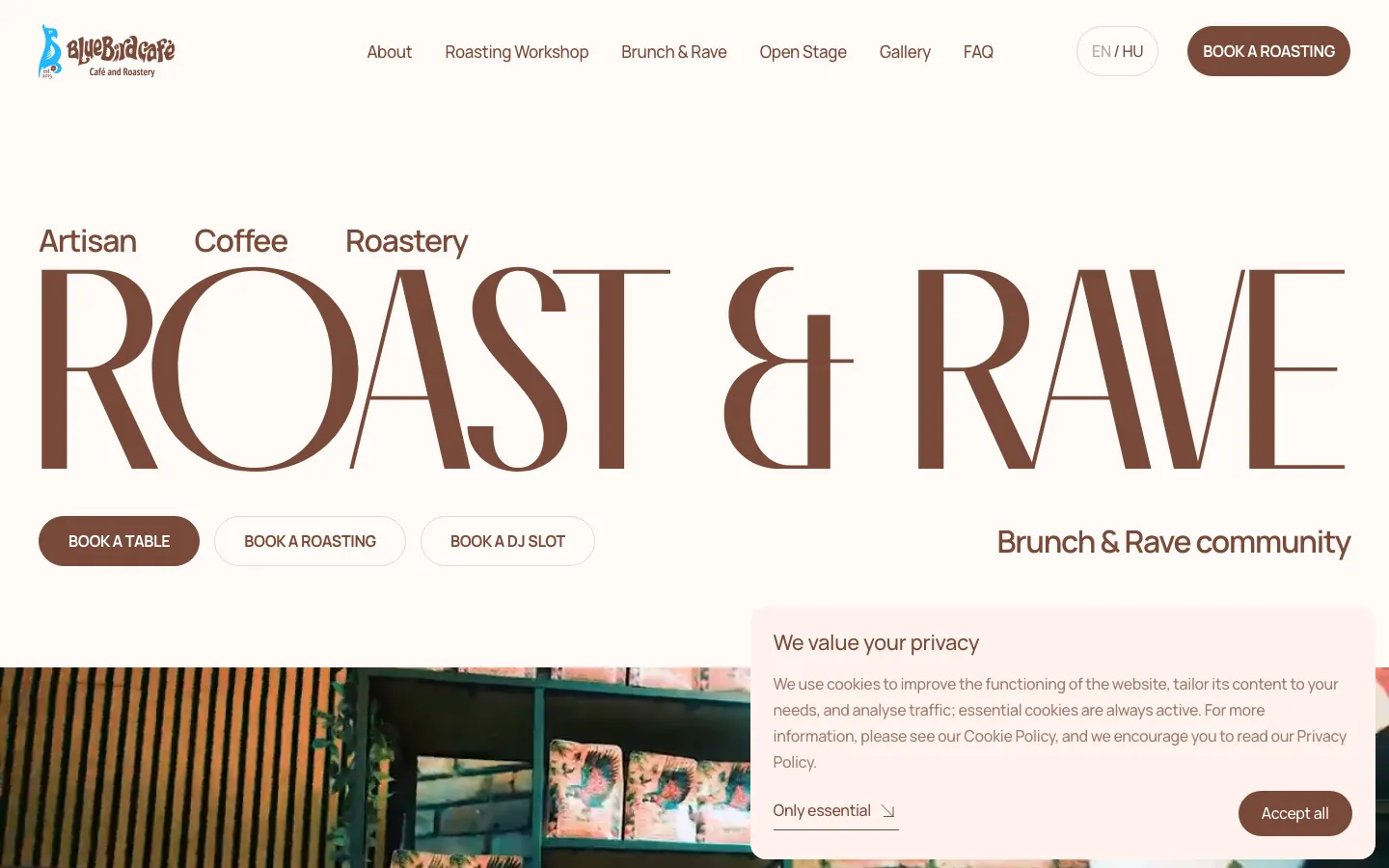
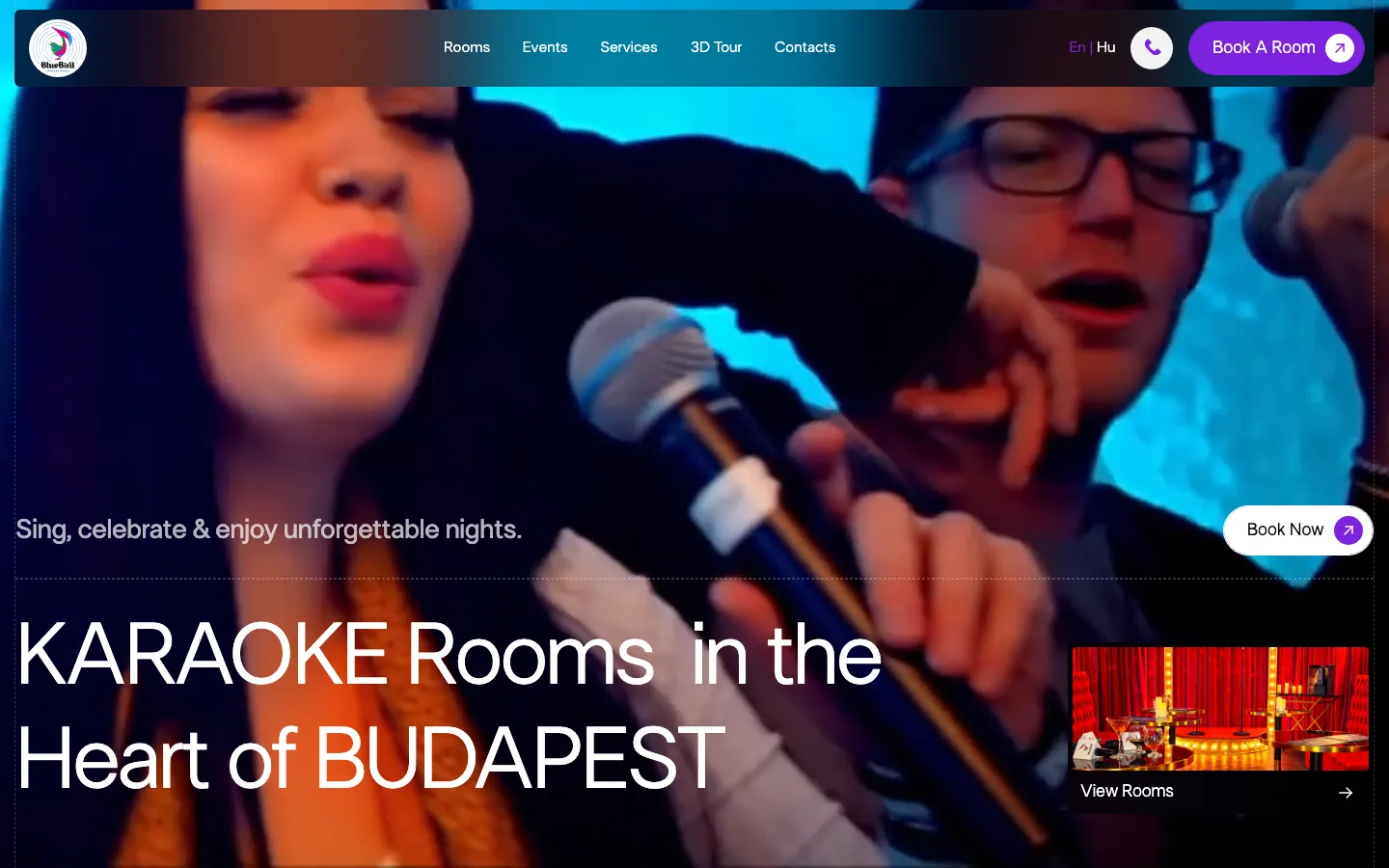
A first release can focus on the menu, place, reservation route and staff editing. Add event galleries, a store or a broader editorial section when the content and operations justify them. Our published hospitality selection includes Re.bro, BlueBird Cafe and BB Rooms. Each demonstrates its own design scope; it should not be read as evidence that every possible booking integration has already been delivered.
Test on a phone, then at the reception desk
Before the visit
Open the menu on a slow mobile connection, read it at a larger text size and find the correct location. Try booking when no space is available. Verify that the guest can identify what is confirmed and what still requires a reply. Photographs should load at sensible sizes, and map or reservation tools should not cover the contact information.
Behind the counter
Have a staff member receive a test reservation, change it and find the relevant contact. For orders, run the agreed payment test and check preparation, collection or dispatch. Verify what happens when the notification goes unnoticed. For accommodation, confirm that availability comes from the intended source and that a change is reflected in the operator’s working system.
After publication
Review completed reservations or suitable enquiries alongside page visits, rather than counting menu opens as customers. Improvements may concern unclear hours or a confusing booking step before they concern another campaign. To scope the project, send HeadPills your menu, venue list, existing booking service and the person responsible for updates. We can then separate the core website from optional commerce and automation work.
“They built the site for our DJ-café and it came out great. They always help with changes and never go quiet on you. A real pleasure to work with. Thank you!”
OriginalДелали сайт для нашего dj-cafe. Получилось классно, и с правками всегда помогают, не пропадают. Приятно иметь дело, спасибо!
Specifics
What is different in hospitality
The venue approves ingredients, dietary statements, prices and updates.
Each venue has the right menu, address, hours and booking destination.
Messages reflect the actual reservation or order state and the agreed operating rules.
Price
A typical system for a restaurant starts from €500 per process; a site from €1 000; a store from €2 000.
Fixed in writing after a short call. Project scope and running costs are agreed before work begins.
Questions
Questions about hospitality projects
Do we need a full online booking system?
Not always. A clearly labelled request can be a suitable start; direct confirmation requires a dependable availability source.
Can staff edit the menu?
Yes, within the agreed editor or connected source. The handover includes a practical update task.
Can the site sell food or gifts?
Yes, as a defined commerce scope with delivery, payment and fulfilment rules tested for your operation.
Tell us how a customer reaches a restaurant today.
A short call, then a fixed price in writing.