Web design for businesses in Valencia.
Help customers understand your service and take the right next step from their phone. We create websites for businesses in Valencia with clear offers, practical visit information and an agreed booking or enquiry route. HeadPills coordinates remotely in English from Wrocław.
- Understand
- Service, price and conditions
- Choose
- Place and suitable time
- Confirm
- Request or booked appointment
Start with the moment someone needs your service
A person looking for a local service may arrive from a recommendation, a map, a social profile or a search for a specific problem. They often need a short sequence of answers: what you do, whether it suits them, where it happens and how to arrange it. A Valencia business website should make that sequence easy to follow. The opening page can be visually distinctive while still providing these practical details without forcing visitors through a long company introduction.
Choosing a local visit
For an appointment at your premises, state the real address, the service offered there and the relevant arrival instructions. If different services use different locations, make the distinction close to the booking action. A person should not have to interpret several map pins without knowing which one applies. Use consistent contact details across the site and the business profiles you genuinely control; do not create locations merely to appear in more searches.
Arranging help remotely
For a service delivered remotely or at the customer’s address, describe its coverage and conditions. A consultant may serve clients outside Valencia, while a visiting specialist needs a defined service area. These are different offers. Explain what can be decided online and what requires an initial conversation. This is more useful than repeating a city name throughout the page without giving someone information about how the work will actually happen.
A booking request is different from a confirmed appointment
Choose the booking model before designing the calendar. The interface must reflect the system behind it. If a person still needs to check availability, call the action a request and explain when or how the team responds. If the business already operates a booking service, inspect its supported connection and the exact data it can share. A visually convincing timetable is not evidence of a working reservation system.
A request reviewed by the team
A request form can collect the service, a preferred date and the context needed to answer. It should not force the visitor to guess an available slot. The confirmation can state that the message was received and describe the next step, without promising acceptance. Give staff a practical way to identify and respond to the request. If they work from an inbox, verify that submissions reach that inbox rather than stopping at a successful browser response.
A reservation from live availability
A live reservation requires the correct service duration, availability and confirmation behaviour. If deposits, cancellation or rescheduling are involved, define those rules with the business and inspect what the provider supports. State the time zone clearly where customers may be arranging a visit from abroad. Test what happens when a slot becomes unavailable or the external service fails, and provide a route to contact the team when booking cannot be completed.
Choose Spanish, English or Valencian for the actual audience
- Spanish content
- For Spanish-speaking customers, review the service names and practical explanations with someone who understands the offer. A direct translation of an English industry term may be unfamiliar in a local buying context. Include form instructions and confirmation text in the review. If there are conditions or documents with legal significance, the business should obtain the appropriate specialist wording rather than expecting a designer to create it as ordinary marketing copy.
- English for customers you can support
- An English version can help when the team can continue the conversation in English. Explain local details a visitor may not know, such as the location, arrival process or what to bring. Keep shared facts consistent with the Spanish version, especially prices and availability. Give each language a clear route through the site. An English headline that ends in an untranslated booking screen can leave the customer unable to finish.
- Valencian where it serves the business
- Valencia’s own public digital communication recognises Spanish, Valencian and English interactions. That is local context, not a rule that every private business must publish all three. If Valencian is appropriate for your customers or materials, assign a qualified reviewer and include it in the design samples. Select languages you can maintain properly. The language used to manage a project with HeadPills remains separate from the language the finished website needs.
Design around the information people use while moving
Readable service choices
Keep the important service distinctions readable on a narrow screen. Explain whether the listed price is a starting point or the price for a defined appointment, and show relevant conditions nearby. Avoid a large menu of unexplained package names. If a visitor must select a service before booking, help them recognise the difference. Where the choice needs professional advice, offer an appropriate enquiry instead of pretending a form can decide it safely.
Useful photographs
Use photographs that help customers understand the place, the service or the delivered work. Agree permissions and avoid showing identifiable customer information without an appropriate basis. Real images can clarify scale, access or the appearance of a result. They still need sensible crops and file sizes. An oversized background video should not delay the practical information someone needs to make a call or check a location.
Clear actions and errors
Make contact and booking controls recognisable, with meaningful labels and visible keyboard focus. Place validation messages beside the relevant field and keep the information the visitor already entered when something goes wrong. W3C guidance on form notifications is a useful reference. Test the whole interaction rather than only the first screen, including confirmation and a realistic failure case from any connected service.
Plan updates before selecting the platform
Identify frequent changes
List the information that changes: hours, staff, services, photographs, seasonal offers or prices. Decide who approves it and how quickly it needs to become public. This list determines whether the project needs a full CMS, a limited editor or occasional developer updates. A service page should not become inaccurate because its owner cannot find a practical way to change one important condition.
Choose the editing approach
Webflow and WordPress can suit regularly edited company sites; a focused coded website may suit a stable offer. If products are sold, Shopify or WooCommerce introduces a separate store workflow. We compare the options with your actual updates and integrations. AI-assisted code can be part of development, but it does not remove testing or make search rankings automatic. Tilda is not included in our platform offering.
Agree who maintains connections
Assign responsibility for the domain, hosting, booking provider and analytics. Identify recurring fees and support terms in the proposal. If replacing an existing website, preserve useful addresses and plan redirects for changed pages. After launch, review real enquiries and incomplete journeys with the available evidence. A high number of contact clicks is not the same as confirmed appointments, and technical test submissions should remain separate from customer results.
Send the service journey you want to improve
One service is enough to start
Send your current site, a description of one representative service, where it takes place and how customers book today. Include the booking provider if there is one, required languages, photographs and the person who can approve the content. If the business has several locations, explain their differences. This gives us enough context to propose the structure and identify which connections need inspection before an estimate.
HeadPills offers starting scopes from €500 for a simple coded site, €1,000 for custom website design and €2,000 for an online store. The written proposal defines the actual content, languages, integrations and review stages. Translation, booking subscriptions, specialist text review and ongoing maintenance are separate unless expressly included. We deliver remotely from Wrocław and do not claim a Valencia office or guaranteed appointment growth.
See the scope in published projects
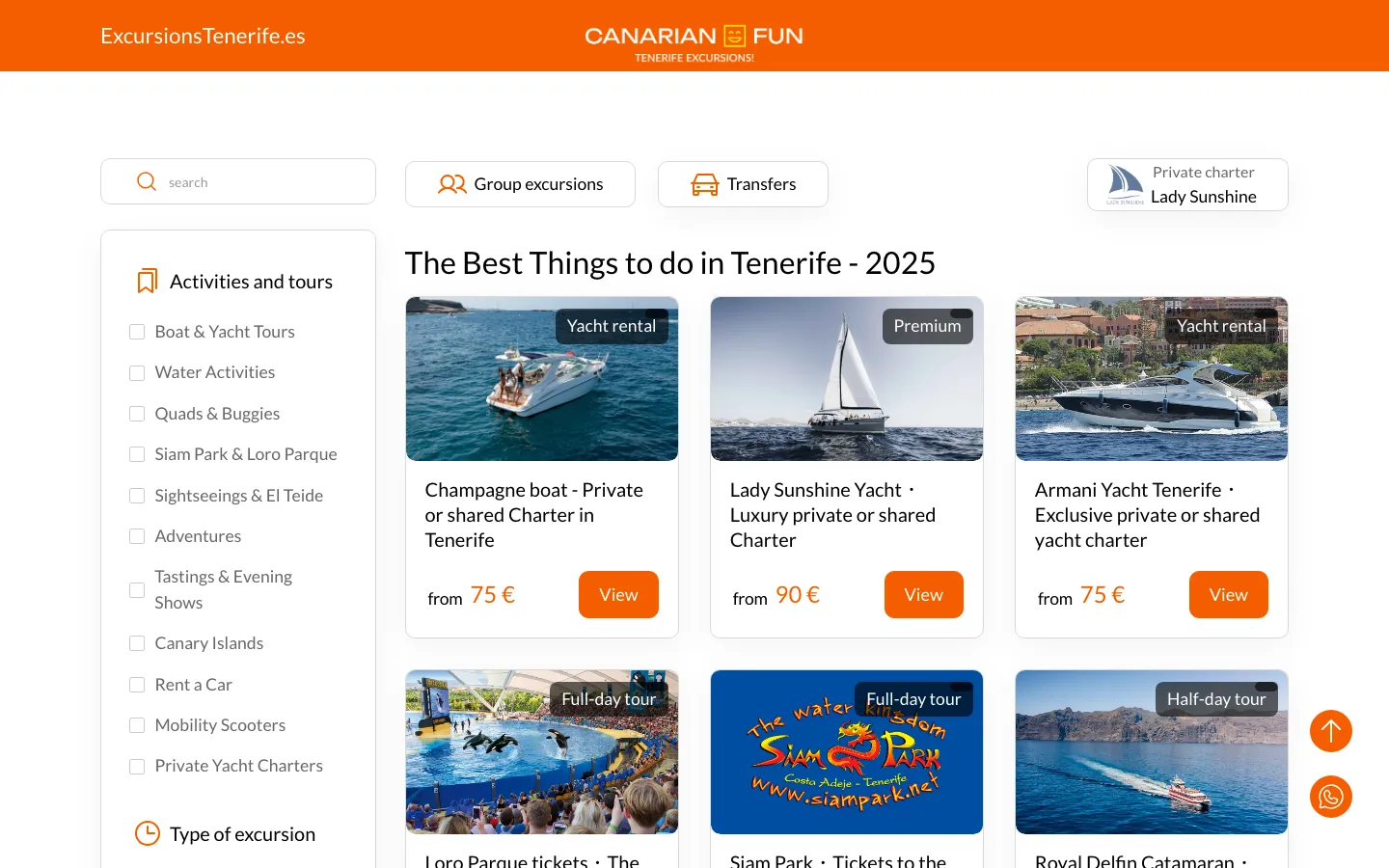
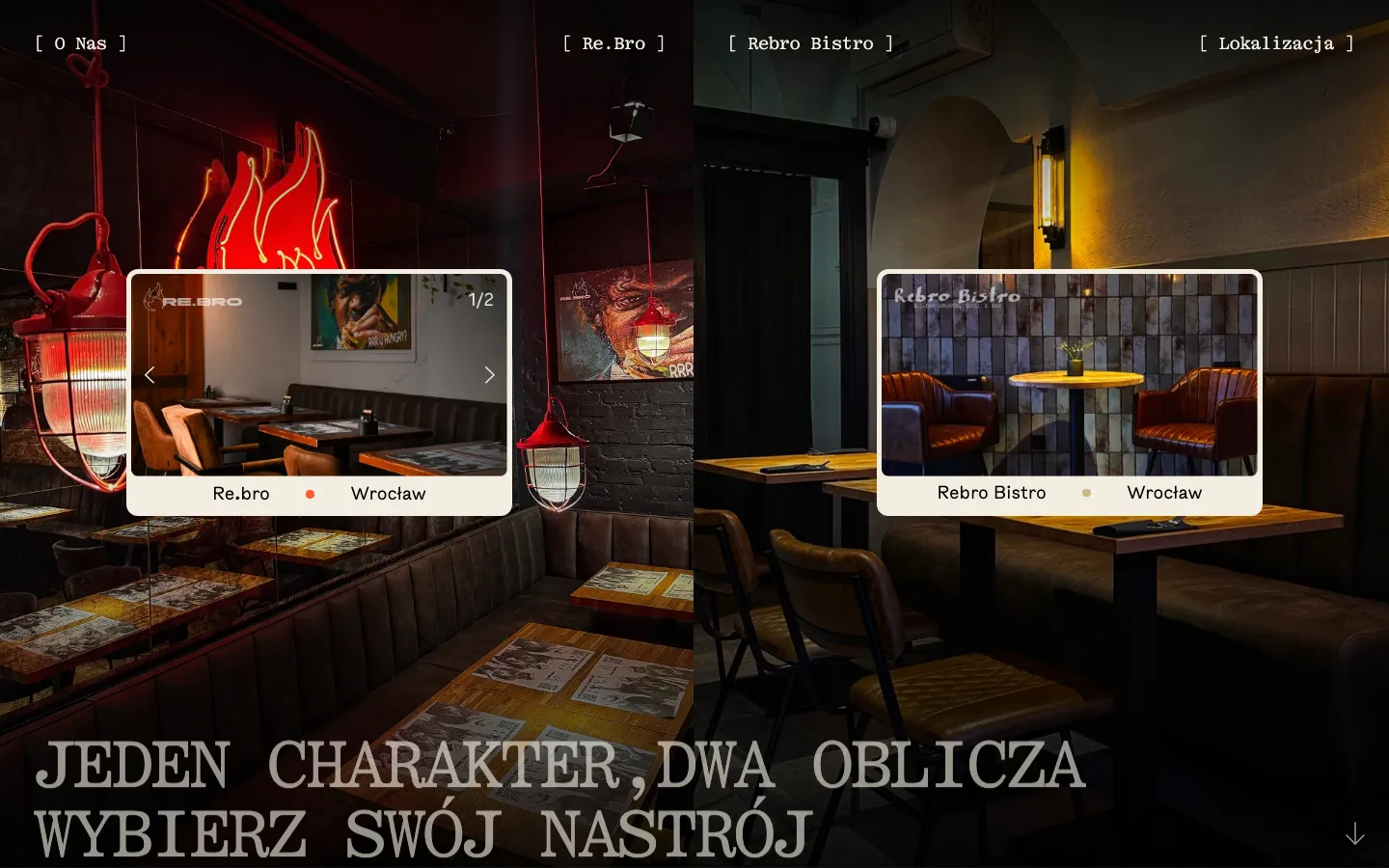
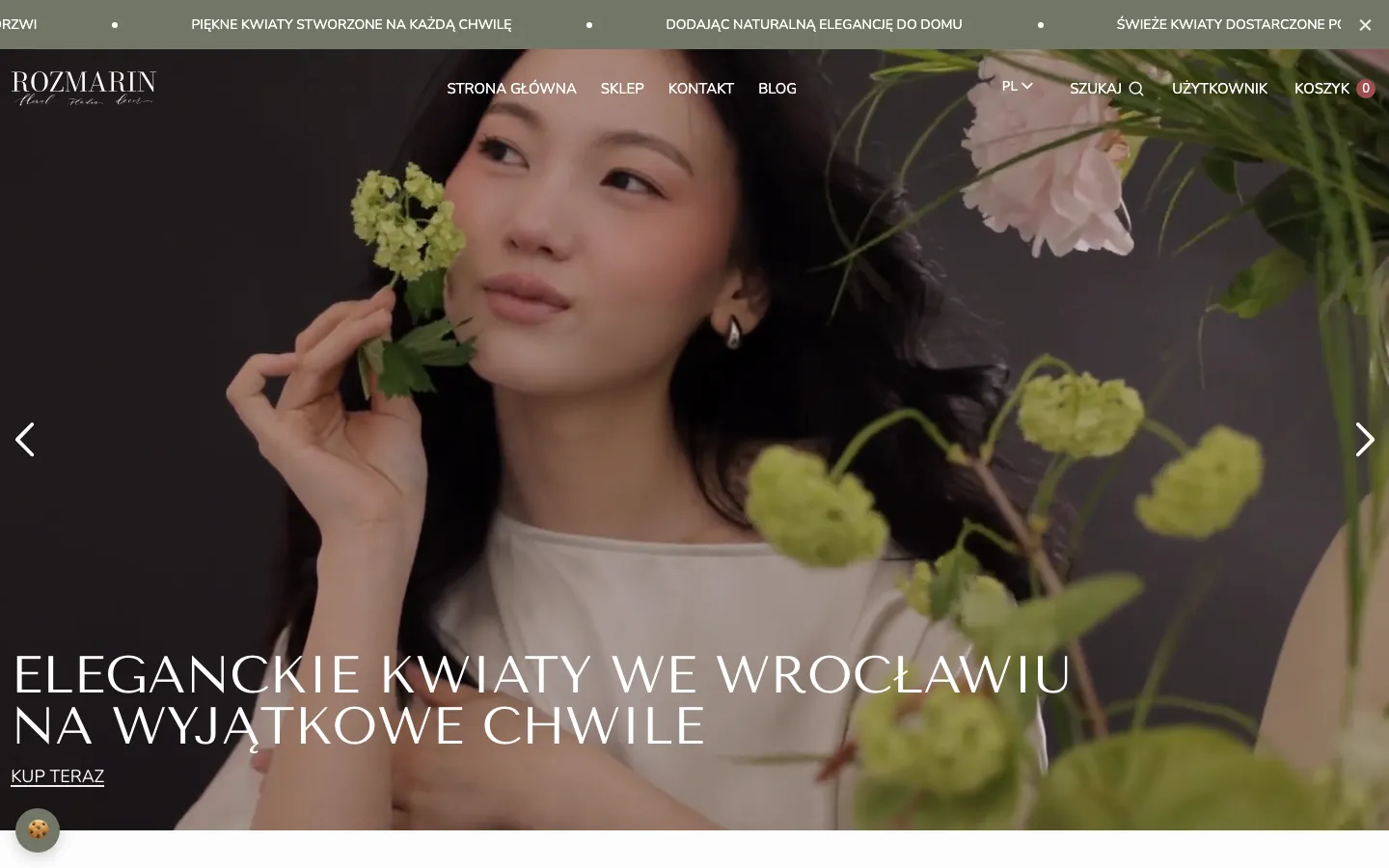
Examples from our portfolio in Poland and other markets, selected for the type of work. Each case describes the scope we delivered.
Scope and starting prices
- A simple website built in code
- from €500
- Custom website design
- from €1 000
- An online store
- from €2 000
These are HeadPills starting prices. The final amount covers the agreed scope; content, translation, production and third-party costs must be identified in the proposal.
Full pricingQuestions
Before starting your project
Can you build a bilingual service website if we supply Spanish copy?
Yes. We can build the language structure and use your reviewed copy. Our project communication is in English, Polish, Ukrainian or Russian; native Spanish copywriting is not assumed in the base scope.
Is HeadPills based in Valencia?
HeadPills is based in Wrocław, Poland. We work remotely through a written brief, shared previews and agreed approvals. Any in-person meeting would be arranged in Wrocław.
How are the price and delivery date agreed?
First we agree the deliverables, functions and approval stages. The proposal states the scope, price, content dependencies and delivery date. Additional languages, licences and platform fees are identified separately.
Tell us what you want to build.
For an initial estimate, include:
- Your offer, audience and current website or identity
- Launch materials, languages and who reviews the local copy
- Required integrations or editable templates, deadline and decision-maker
An outline is enough. We do not need passwords or your customers’ personal records.